How ChatGPT sees a page when it grounds an answer
TL;DR: ChatGPT doesn’t read the full page HTML – there’s a parsing layer than runs first and returns a striped back version of the page to the LLM. Marketers can use GTPSee to emulate what ChatGPT sees when it ‘grounds’ in a webpage. As a marketer, you can use the tool to test what is visible on your page and ask whether your content is appropriately positioned for your audience. If you’re aligned well with the needs of your audience, you may have a stronger chance of being recommended by an LLM when your target audience asks questions like ‘What is the best product for X?’
Grounded vs. ungrounded
When you ask ChatGPT a question, it can answer from the model’s existing learned patterns plus the conversation, or it can ground in material outside of the model, such as documents, web search, etc.
Think of it as two useful modes:
What do you think of this email to my boss?
What are some cheap email API providers?
Ungrounded: Think with what is already available
Ungrounded answers come from the model reasoning with its trained knowledge, the current conversation, and any pasted context.
This is useful when the task is mostly judgement, structure, language, or reasoning.
Good for:
- Writing and rewriting
- Strategy and trade-offs
- Debugging code you have pasted in
- Explaining concepts
- Turning messy thoughts into a clear document
Ungrounded answers are often strong for synthesis, writing, judgement, code review, and explaining ideas. The weakness appears when the answer depends on something that can change, or something specific enough that the model may not have seen it reliably.
Grounded: fetch supporting material, then think
Grounding means the model uses retrieved material, such as search results or fetched web pages, before forming the response.
In web search, that usually means searching the web, reading prepared page content, and using that material to support the answer.
Good for:
- Current facts and recent news
- Policies, laws, prices, and schedules
- Product details and API behaviour
- Source-backed claims
- Niche topics where guessing is risky
Grounding is useful when the answer depends on current or specific facts, like prices, laws, documentation, product features, schedules, recent news, API behaviour, policies, or niche topics where a confident guess would be risky.
OpenAI describes ChatGPT Search as useful for recent or real-time information, unfamiliar topics, and source-backed responses. ChatGPT may also search automatically when the prompt would benefit from web information.
Read the OpenAI capability overview
Why ground?
Because confident guesses are not always good enough.
If the task is to shape an argument, improve a page section, review pasted code, name the trade-offs, or develop a plan, grounding may add friction without adding much value.
If the task depends on current facts, recent policy, official documentation, pricing, availability, product behaviour, or source attribution, grounding is safer.
If the topic is obscure, new, local, technical, or likely to have changed, retrieved source material gives the model something firmer to reason from.
Parsing output: Protecting the context window
Models have a limited context window: Basically all of the text it can actively work from and still remain effective.
As you chat with an LLM the context window is expanding with your initial prompt, its own replies, tool calls, grounded content, etc.
To reduce costs (more content, more tokens, more compute) and increase accuracy, AI companies are always looking for ways to transform and compress whatever is being fed into the context window – keeping the useful stuff, and discarding the fluff.
If an LLM grounds and then an entire HMTL document it’s digesting a lot of unncessary crap. For example, ChatGPT 5.5 has a context window of 1M tokens, which is about 4MB. Even if your site’s HTML isn’t filled with bloat, raw HTML would chip away at the context window and impact the model’s effectiveness:
OpenAI have dealt with this by introducing a parsing layer that protects ChatGPT from that bloat:
| Example page | Raw HTML size | Raw context window % | Parsed context window % |
|---|---|---|---|
| Small landing page | 50 KB | ~1.25% | ~0.15% |
| Typical blog / service page |
150 KB | ~3.75% | ~0.4% |
| Heavy CMS / marketing page |
500 KB | ~12.5% | ~0.8% |
| Very bloated page | 1 MB | ~25% | ~2% |
That parsed result usually includes headings, body text, images (and alt text), links, navigation, footer copy, buttons, and basically anything else that might help ChatGPT understand the page.
It looks to strip out anything that isn’t useful to a language model – tracking codes, scripts that aren’t executed, useless meta data, etc.
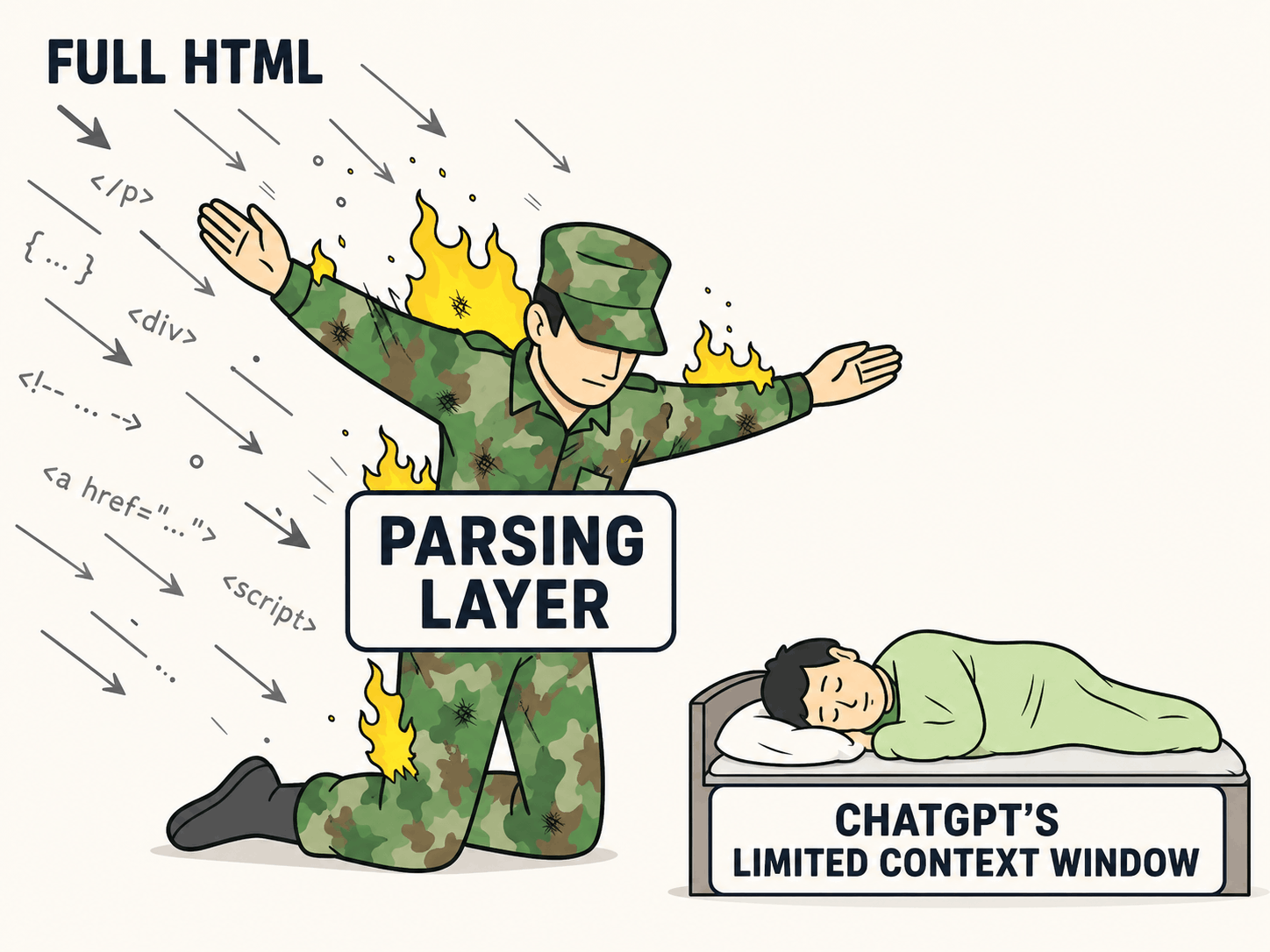
It sort of reminds me of that meme of the sleeping kid being protected by the soldier: The parser protects ChatGPT from having its context window chewed up by bloated HTML.
Parsed output
The parsed output looks a little something like the below. The parser feeds ChatGPT a stripped back version of the HTML with what it can discern to be the most important elements of the page.
L0: Skip to content
L1:
L2: Image: bell icon
L3:
L4: Main menu
L5: Search
L6: Login
L7: Join
L8:
L9: # Main page heading
Building the parsed result
GPTSee is designed to show marketers and SEOs what a static parser can recover from a URL.
It is not claiming to reproduce a private model pipeline exactly. The point is to make the invisible layer inspectable enough to diagnose obvious content and positioning problems.
In practice, GPTSee checks the robots policy that applies to ChatGPT-User, but the fetch itself identifies as GPTSee rather than pretending to be OpenAI infrastructure.
1. Check whether the page can be fetched
Check robots rules, follow redirects, identify auth or login redirects, and record useful response metadata such as status code, content type, final URL, and title.
For ChatGPT, the specific rule that it is looking for is:
User-agent: ChatGPT-User
Disallow: /
You can test this yourself using any page from The New York times and inspecting their robots.txt: https://www.nytimes.com/robots.txt
ChatGPT also only follows 10 redirects – I saw this really smart (and handsome) guy explaining on LinkedIn:
2. Parse the static HTML
GPTSee fetches static HTML only. It does not run a browser, wait for hydration, click tabs, or execute JavaScript to reconstruct content that was not present in the original response.
In some contexts ChatGPT can use Playwright to emulate a user browser, but this would create a lag and add additional compute into the equation.
3. Identify and summarise summary metadata
Metadata such as title, canonical URL, status code, and content type belongs in the response summary.
The parsed card focuses on what appears in the static body, it looks something like this:
Response summary
Response summary200
4. Extract and structure the main content of the page
The parsed markdown keeps the body flow, including header navigation, headings and other text elements, screen-reader text, useful image alt text, collapsed accordion content that exists in HTML, footer links, etc.
It runs through all of the links and assigns them a number: all of the same links get the same number. Then it does the same with images. The constructed output has elements that look like this:
Navigation:
L0: Menu
L1:   * 【link-0†Home】
L2:   * 【link-1†About】
L3:   * 【link-2†Contact】

Link:
L4: 【link-3†Read more】

Image:
L5: 【image-4†Image: GPTSee logo】

H1:
L6: # See what ChatGPT can read

H2:
L7: ## Parsed page content

Paragraph text:
L8: GPTSee converts static HTML into readable parsed text, including headings, links, images, navigation, and body copy.
Using the output
The questions for marketers to answer are:
- Is my content visible/accessible?
- What is returned?
- Am I returning content in an efficient way for an LLM?
- Does the positioning of my content match the needs of my target audience?
If you answered no to any of the above, it’s time to work with your team to make technical fixes and refine your positioning.
Try it
Run a URL and inspect the source material – are you telling the LLM what it wants/needs to hear? Is your marketing material visible at all?